
Inventory Reorder Points for Studios: Formula From 30 to 90 Days

A reorder point (ROP) is the inventory level that triggers a new order, and you calculate it as expected demand during lead time plus safety stock. It applies any time you carry a repeating SKU with a nonzero lead time between order and delivery. Get this number right, and restocking stops being a guessing game.
TL;DR:
- Calculate each SKU’s trigger using its own demand and lead time; economic order quantity determines how much to buy, not when to reorder.
- Use a representative 30 to 90 day demand window, measure actual delivery times from purchase orders, and avoid letting unusual sales weeks skew averages.
- Raising the target service level from 95% to 99% can sharply increase safety stock, so weigh added inventory cost against fewer stockouts.
- For perishable goods, rotate stock by earliest expiration date as well as tracking reorder points, so buffer inventory does not expire on the shelf.
Table of Contents
- What a Reorder Point Controls and Why It Matters
- The Reorder Point Formula and What Each Input Means
- Calculating Your Reorder Point Step by Step
- Handling Demand and Lead-Time Variability
- Common Mistakes and How to Avoid Them
- Spreadsheet and Software Tools for Tracking Reorder Points
- Key Takeaways for Setting Reliable Reorder Points
- A Studio Owner’s View on Reorder Points
- Automating Reorder Alerts Inside Your Studio’s POS
- FAQ
- Sources
What a Reorder Point Controls and Why It Matters
A reorder point is a trigger, not a quantity. It tells you when to order, while a separate calculation (like economic order quantity) tells you how much. Confusing the two is one of the most common setup mistakes we see in inventory conversations, and it leads to either constant small orders or oversized ones that tie up cash.
Get the trigger wrong in either direction and the costs show up fast:
- Set it too low and you risk stockouts, lost sales, and frustrated customers who walk away empty-handed.
- Set it too high and you tie up cash in inventory sitting on a shelf, plus storage space you could use for something else.
- Use one ROP for every product and you under-protect your fastest movers while over-ordering your slowest ones.
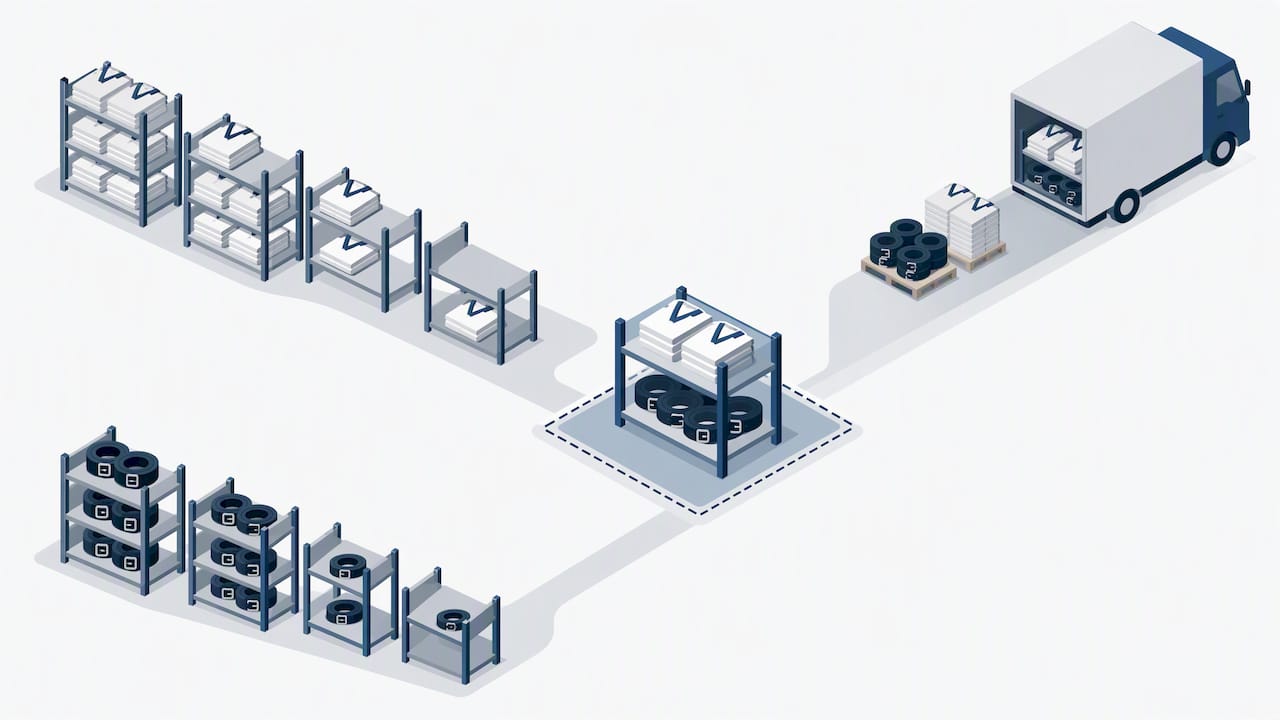
Every SKU moves at a different pace and arrives on a different schedule, so every SKU needs its own reorder point. A fast-selling item with a long lead time needs a much higher trigger than a slow mover that restocks overnight.
The Reorder Point Formula and What Each Input Means
The deterministic version of the formula is the starting point for most businesses:
ROP = average demand × lead time + safety stock
This assumes fairly steady demand and a predictable lead time. When either one fluctuates, a statistical version accounts for that uncertainty directly:
ROP = (average daily demand × average lead time) + (z-score × standard deviation of lead-time demand)
Here’s what each term means:
- Average demand: units sold per day (or week), measured over a consistent recent window.
- Lead time: the days between placing an order and having it available to sell.
- Lead-time variability: how much that lead time swings from one order to the next, expressed as a standard deviation.
- Safety stock: the buffer that absorbs demand spikes or supplier delays.
- Service level: the probability you want of not running out before the next delivery arrives, expressed as a percentage and converted into a z-score.
Moving from a 95% to a 99% service level often requires a steep, non-linear jump in safety stock, according to a supply chain cost analysis from MIT. That single fact explains why chasing near-perfect availability on every item rarely makes financial sense.
Calculating Your Reorder Point Step by Step
Here’s a reproducible process you can run in a spreadsheet for any SKU.
- Pull average daily demand from a recent, representative window, typically 30 to 90 days, smoothing out one-off spikes like a single large order.
- Measure average lead time from your last several purchase orders: days from order placed to stock received.
- Calculate lead-time variability as the standard deviation of those lead times, if you have enough order history to make it meaningful.
- Choose a safety stock method: either a simple buffer of extra days of demand, or the statistical z-score method for items where stockouts are costly.
- Add the pieces together to get your final reorder point.
A simple worked example shows the pattern: average daily usage of 50 units times a 7-day lead time gives a baseline of 350 units, a calculation echoed across standard reorder point references. Add a safety stock buffer, and your reorder point increases accordingly.
| Input | Value |
|---|---|
| Average daily demand | 50 units |
| Average lead time | 7 days |
| Baseline (demand × lead time) | 350 units |
| Safety stock buffer | 100 units |
| Final reorder point | 450 units |
Handling Demand and Lead-Time Variability
Safety stock exists because demand and lead times rarely behave exactly as planned. A supplier shipment runs a few days late, or a product sells faster than usual for a week, and a reorder point with zero buffer leaves you exposed both times.
Multiply a z-score by the standard deviation of lead-time demand, and you get a defensible safety stock number instead of a guess.
A few practical notes worth building into your process:
- Lead times aren’t static: an early delivery is a nice surprise, but a late one is what safety stock is meant to cover.
- Perishable or dated stock needs FEFO (first-expired, first-out) handling alongside your reorder logic, so safety stock doesn’t quietly expire on a back shelf.
- Service level and cost don’t scale together: pushing from 95% to 99% service can demand a disproportionate jump in safety stock, per the MIT safety stock analysis, so test the marginal benefit before raising any target across the board.
Common Mistakes and How to Avoid Them
Most reorder point problems trace back to a handful of recurring errors, and they’re easy to fix once you know what to look for.
- Using too short or too noisy a demand window, which lets one unusual week skew the average for months.
- Ignoring lead-time variability entirely, treating a supplier’s average delivery time as if it were guaranteed.
- Applying one reorder point to every product, instead of letting fast movers and slow movers run on different logic.
A smarter approach starts with segmentation: group products by sales volume and variability (an ABC/XYZ-style split), track your actual lead times rather than the numbers on a supplier’s website, and set up alerts so a low-stock item surfaces automatically instead of being spotted by chance during a shelf count.
Pro Tip: Pilot your new reorder points on five or ten SKUs for a month before rolling the formula out across your entire inventory.
Spreadsheet and Software Tools for Tracking Reorder Points
A spreadsheet handles reorder points well at small scale. Set a formula that subtracts daily sales from on-hand stock, then use conditional formatting to flag any row that drops to or below its threshold in red.
- Online calculators work for a quick gut check on a handful of items.
- A connected POS or inventory system becomes worthwhile once you’re tracking dozens of SKUs, since it can auto-trigger alerts the moment stock crosses the line.
- Integration setup just means mapping three fields correctly: SKU, lead time, and reorder threshold, so your system flags the right item at the right moment.
Key Takeaways for Setting Reliable Reorder Points
Reorder points work when they’re based on real measured demand and lead time, not estimates from memory. Safety stock protects you from variability, but chasing a near-perfect service level gets expensive fast. Different SKUs deserve different thresholds, and those thresholds need periodic review as sales patterns shift.
| Step | Action |
|---|---|
| 1 | Measure average demand |
| 2 | Measure average lead time |
| 3 | Select a service level |
| 4 | Compute safety stock |
| 5 | Set the reorder point |
| — | Monitor and adjust |
A Studio Owner’s View on Reorder Points
Small studios rarely have months of clean sales data, so a rolling 60-day average of gear and apparel sales, paired with your actual supplier delivery times, is usually enough. Prioritize the few SKUs that sell fastest or sell out around testing and tournament season, and let automation carry the rest.
Automating Reorder Alerts Inside Your Studio’s POS
Tracking reorder points by hand across uniforms, belts, and gear eats time better spent on the mat. Our point-of-sale inventory tools, part of the broader AI martial arts software features built into DojoTrack, let you set thresholds per product so low stock surfaces automatically instead of during a frustrating shelf count. That means fewer manual recounts and fewer “we’re out of mediums again” moments at the front desk. If you run a vending or retail concession alongside your pro shop, the same restocking-cadence thinking applies, and gym vending partners offer useful guidance on matching SKU variety to demand. See how it fits your studio on our pricing page.
FAQ
What is the reorder point in inventory?
A reorder point is the stock level at which you place a new order to avoid running out before the next shipment arrives. It’s typically calculated as average demand during lead time plus a safety stock buffer.
What is EOQ and ROP?
Economic order quantity (EOQ) determines how much to order at a time to minimize ordering and holding costs, while the reorder point determines when to place that order. They work together: EOQ sets the order size, and ROP sets the trigger.
What is the difference between DRP and reorder point?
Distribution requirements planning (DRP) coordinates inventory and replenishment across multiple locations or a supply network over time, while a reorder point is a single-location trigger for one SKU. DRP often uses reorder point logic as one input within a larger, multi-location plan.
What are some reorder point examples?
A simple example: if you sell 50 units a day and your supplier’s lead time is 7 days, your baseline reorder point is 350 units, per the standard calculation pattern. Add a safety stock buffer, commonly 50 to 100 units depending on how variable your demand or lead time is, and your final reorder point lands higher, for example 450 units in that scenario.