
Equipment Checkout Tracking for Martial Arts Schools
Equipment checkout tracking means knowing, at any moment, which loaner glove, shin guard or focus mitt is on the shelf, who has it, and whether it is clean enough to hand to the next student. For a martial arts school, the working version is simple: give every shared item an ID, record it going out and coming back, and make cleaning part of the return. This guide shows you how to set that up in a week, with or without special software.
TL;DR
- Tag every shared item with a unique ID and log it twice: once when it goes out, once when it comes back.
- In a dojo, a return is not finished until the item is cleaned. Build that step into the process, because shared gear can spread skin infections.
- Pick label materials that survive sweat and sanitizer, and never put them on striking surfaces or glove palms.
- Review the log monthly to decide what to retire, repair or buy.
- Start with a clipboard or spreadsheet if you must. Move to scanning once the habit holds.
Table of Contents
- Why a sign-out sheet stops working
- What to track: the minimum useful record
- Decide your scope first
- How the two-scan checkout works
- Make cleaning part of the checkout
- Labels that survive a dojo
- Add the daily inspection
- Reconcile and learn from the data
- Tools: spreadsheet, scanner app or school software
- A one-week rollout plan
- Our perspective: gear tracking belongs next to everything else you run
- Where DojoTrack fits
- FAQ
- Sources
Why a sign-out sheet stops working
Every school starts the same way. A beginner needs gloves, you grab a pair from the bin, and nobody writes anything down. A month later, three pairs are missing, one pair smells like it has not been washed since spring, and the only record is a memory.
Paper and spreadsheets fail for predictable reasons. Manual logs rarely show custody in real time, while a digital system keeps a timestamped trail of who has an item and when it is due back. In a busy lobby ten minutes before class, nobody stops to fill in a table.
Three costs show up in a martial arts school specifically:
- Lost and unreturned gear. Loaner gloves walk out in gym bags. You replace them from your own pocket.
- Hygiene risk. You cannot clean what you cannot find, and you cannot prove you cleaned it.
- Liability gaps. If a student claims a strap broke or a pad was torn, you want a record of the last inspection, not an argument.
What to track: the minimum useful record
Do not build a monster database. Guidance on physical asset inventories, such as CISA’s asset inventory guidance, recommends at minimum a unique identifier, an asset type, the current custodian, the current location and a status. It was written for IT and operational technology, but the logic transfers cleanly to a rack of pads.
For a dojo, that becomes six columns:
| Field | Example | Why it matters |
|---|---|---|
| Item ID | GLV-014 | One number per item, never reused |
| Type and size | 12 oz bag glove, M | Lets you find a match for a new student |
| Status | Available, checked out, needs cleaning, in repair, retired | The field everyone checks first |
| Current holder | Student name or “front desk” | Who to ask when it is missing |
| Date out and due back | Out Tuesday, due Tuesday close | Loaner gear should rarely leave the building overnight |
| Last cleaned or inspected | Oct 14, initials | Your audit trail |
The status field does the heavy lifting. “Needs cleaning” is the one most gyms are missing, and it is the one that protects your students.
Decide your scope first
Before tagging anything, decide which items are worth tracking. Implementation guides for barcode tracking advise defining what you want to control before configuring any labels. For a school, a sensible split looks like this.
Track individually (ID on every item):
- Loaner and rental gloves, shin guards, headgear, mouthguard cases
- Focus mitts, Thai pads and kick shields
- Gis, belts and uniforms you lend or rent
- Sparring gear sets for tournaments or testing day
Track by count (a quantity on a shelf):
- Jump ropes, resistance bands, cones
- Wraps and consumables you sell at the front desk
Do not track:
- Floor mats and heavy bags, unless you move them between locations. Cover these with your opening and closing inspection instead.
If you sell gear to students, that stock belongs in your retail inventory, not your loaner log. Mixing the two is a classic way to end up with neither being right.
How the two-scan checkout works
The core of any checkout system is a two-step custody record. Each item gets a unique code, usually a QR code or barcode. One scan records custody at checkout and a second at return, which updates the item’s status and availability. You can run the same logic on paper if you have to.
- Issue. The student asks for loaner gloves. Staff pick a pair, scan or write down the ID and the student’s name. Status changes to checked out.
- Use. The student trains. If you allow gear to leave the building, note the due date. Most schools should not.
- Return. The student hands the item back at the end of class. Staff scan it or tick it in.
- Hold for cleaning. Status becomes “needs cleaning.” The item goes to a marked bin, not back to the shelf.
- Clean and release. After disinfecting, staff initial the log and change the status to available.
That fourth step is what separates a dojo system from a warehouse system.
Make cleaning part of the checkout
This is the part we feel most strongly about. Skin infections are a real concern in contact sports. The Minnesota Department of Health notes that sharing sweaty or dirty clothes, towels or equipment is a risk factor for passing infections between athletes, and that wrestling and football see the most outbreaks, with cases reported in many other sports.
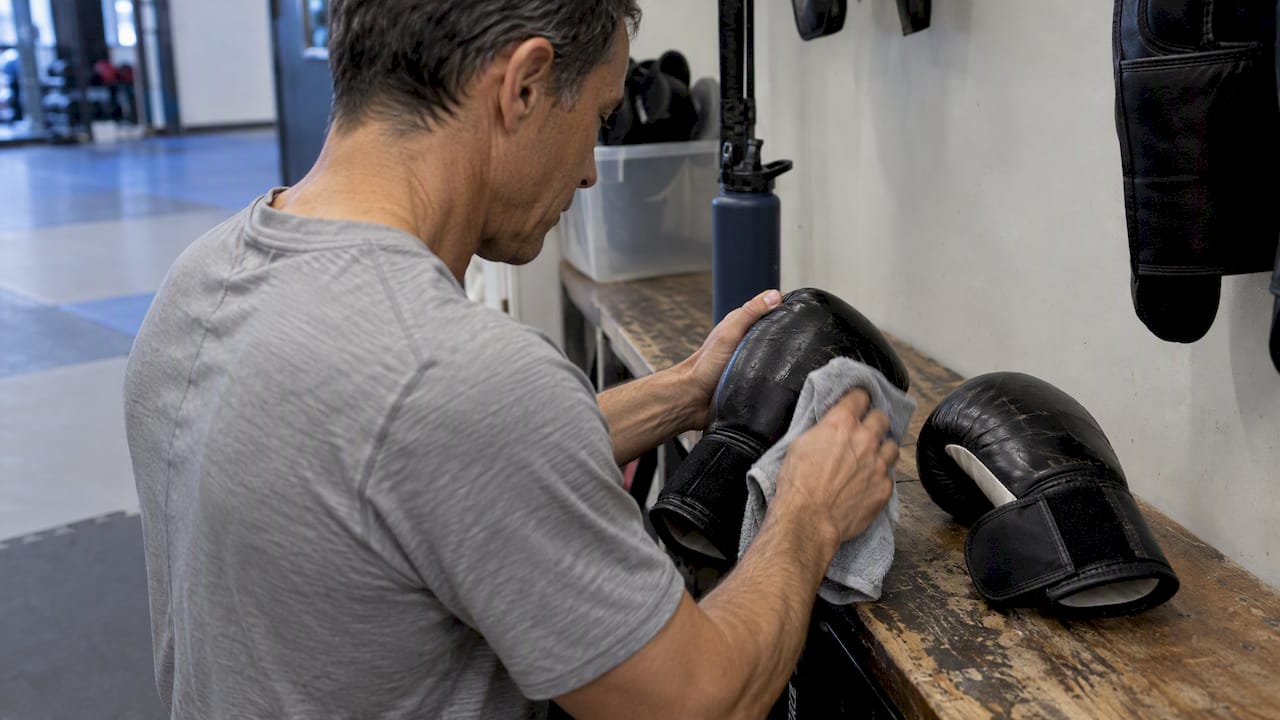
A tracking system that ignores this only tells you where a dirty glove is. A good one forces the clean-up before the next student touches it. Asset tracking specialists make the same point: the most common mistake is treating the system as a static list instead of a workflow, when each checkout is a chance to confirm condition, request maintenance or require sanitizing.
A practical cleaning rule for shared striking gear:
- Wipe down after every class block, paying attention to seams, straps and palms.
- Clean first to remove sweat and debris, then disinfect.
- Use an EPA-registered disinfectant and leave the surface visibly wet for the full dwell time on the label, typically 3 to 10 minutes, then let it air dry.
- Retire any item you can no longer clean effectively: cracked foam, split vinyl, torn lining. Mark it “retired” in the log so it cannot drift back into rotation.
Post the protocol at the front desk and sign every entry. If a parent or an inspector asks, your log answers for you. Students who have an open sore, rash or suspicious skin problem should be pointed to a health care provider before they train or borrow gear; that call belongs to a doctor, not your front desk.
If you also want to run these procedures as recurring tasks with owners and deadlines, project management tools built for fitness studios are one way to schedule them alongside the rest of your studio routines.
Labels that survive a dojo
QR codes fail in gyms for boring reasons. Heat, sweat, friction and repeated sanitizing destroy cheap stickers. Barcode implementation guidance is clear that labels need materials rated for the conditions, and the practical advice for schools is to avoid high-friction zones such as striking surfaces and glove palms.
What works in practice:
- Put the label on a cuff, wrist strap or inside a tag sewn to the edge, away from impact.
- Choose polyester or similar durable label stock, not paper.
- Print the ID in plain numbers beside the code, so a smudged code can still be typed in.
- Test five labels through two weeks of cleaning before you buy five hundred.
- Keep a few spare labels and a marker at the front desk for replacements.
If you would rather skip scanning altogether, plain numbered tags with a paper log do the job at a small school. The system is the routine, not the barcode.
Add the daily inspection
Checking gear at return only catches what students bring back. A short routine at open and close catches the rest. Martial arts operators who publish opening and closing checklists include returning training gear to designated spots, inspecting it for damage and noting items that need repair or replacement.
Workable rhythm for a small school:
| When | Task | Who |
|---|---|---|
| Before first class | Check mats for tears, count loaner sets on the shelf | Opening instructor |
| Between class blocks | Wipe and disinfect any gear that went out | Class instructor or assistant |
| After last class | Confirm every checked-out item is back or accounted for | Closing staff |
| Weekly | Spot check five random items against the log | Manager |
| Monthly | Review repairs, retirements, losses | Owner |
The written record is what helps with insurance conversations and safety disputes. A note that says “checked Tuesday, strap intact” carries more weight than a recollection.
Reconcile and learn from the data
A log that nobody reads is a diary. Asset inventory guidance stresses scheduled reconciliations and a feedback loop: watching the status of gear shows which items fail too quickly or get misused, and it informs purchasing and staff training.
Once a month, count what is on the shelf and compare it to the log. Then ask:
- Which items are marked “needs cleaning” for too long? That points to a staffing gap at the end of class.
- Which sizes are always checked out? Buy more of those.
- Which brand of gloves is going to repair or retirement first? Stop buying it.
- Which students repeatedly forget to return gear? That is a gentle conversation, and often a sign they are ready to buy their own set.
That last point matters for revenue. Loaner gear is a bridge to a retail sale, and a log tells you exactly who has been borrowing for six weeks.
Tools: spreadsheet, scanner app or school software
You have three realistic options. Describing them by type:
| Option | Best for | Watch out for |
|---|---|---|
| Paper log or spreadsheet | Under about 30 shared items, one location | Entries get skipped on busy nights, and no one sees status at a glance |
| General asset tracking app with QR scanning | Larger inventories, several locations, borrowed gear leaving the building | It knows nothing about students, memberships or hygiene, so you build that workflow yourself |
| Your school management platform | Keeping gear, students and billing in one place | Check what it actually supports before you commit |
General checkout tools are built for IT departments, film crews and construction sites. They do their job well, but a dojo has different needs: a student roster, family accounts, waivers and a hygiene step. Whatever you choose, test it against the five-step flow above. If it cannot represent “needs cleaning,” it is not built for combat sports.
If you want an idea of how tags and scanning connect to people instead of just items, our walkthrough on linking RFID tags to memberships shows the same tag-to-person logic applied to front desk check-in.
A one-week rollout plan
- Day 1: Count and cull. Pull every shared item out. Retire anything you cannot clean. You will be surprised how much goes.
- Day 2: Assign IDs. Number each item and write type, size and condition in your register.
- Day 3: Label. Attach durable tags away from striking surfaces. Test one set in the wash and disinfectant.
- Day 4: Set up the stations. A shelf for available gear, a bin marked “needs cleaning,” a clipboard or scanner at the front desk, and the cleaning protocol posted nearby.
- Day 5: Train staff. Walk every instructor through issue, return, hold and release. Ten minutes is enough.
- Days 6 and 7: Run it live. Watch where staff skip steps and simplify.
- End of month one: Reconcile, review and adjust.
The most common reason systems die is adoption, not technology. Keep the steps few, put the tools where the work happens, and make it quicker to follow the process than to ignore it.
Our perspective: gear tracking belongs next to everything else you run
We built DojoTrack after running martial arts schools ourselves, and the frustration we heard most was never one big problem. It was a dozen small disconnected ones: belt tracking in one place, billing in another, a clipboard for everything else. Loaner gear is a perfect example. It lives on a sheet near the door, away from the student record, so nobody connects the kid who borrowed gloves for six weeks with the family account that could have bought a set.
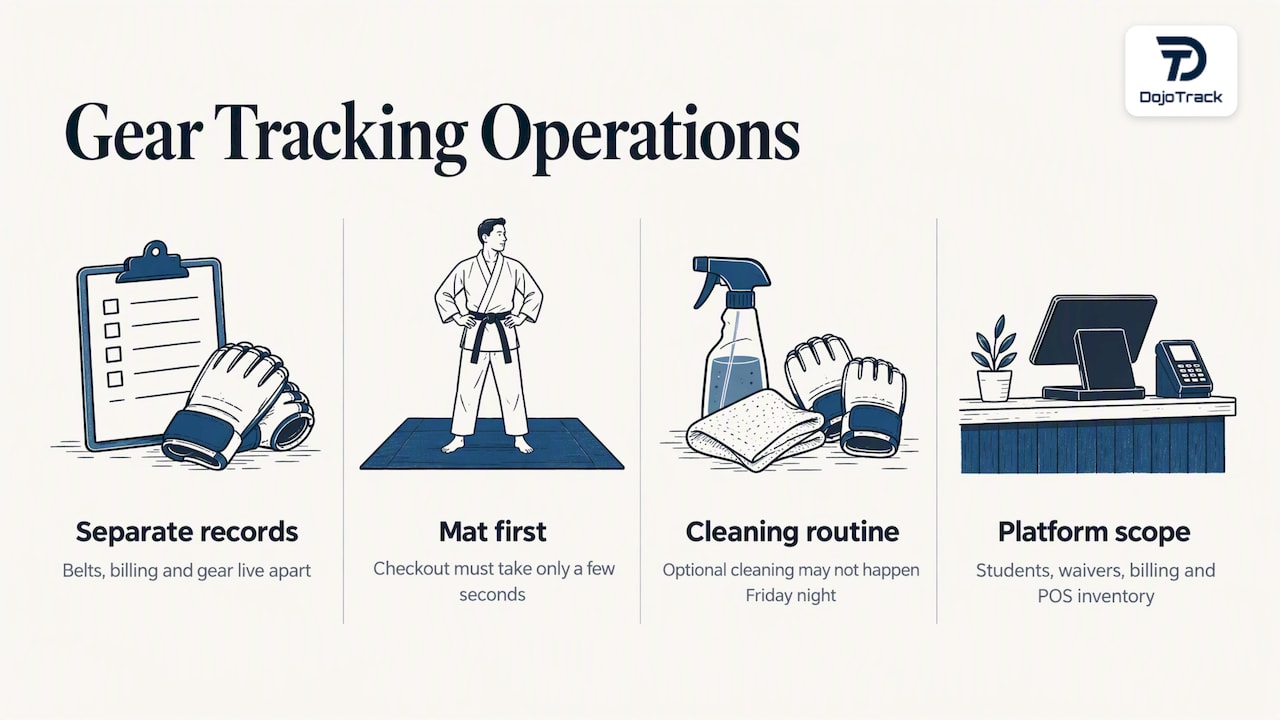
Our view is that the system you choose should serve the instructor on the mat first. If recording a checkout takes more than a few seconds, it will not get recorded. If cleaning is optional, it will not happen on a Friday night. Hygiene, safety and liability are operations questions, and operations are what a studio platform exists to simplify.
We will be plain about scope: DojoTrack is a studio management platform, with student management, attendance, digital waivers, Stripe-powered billing and point-of-sale inventory for the gear you sell. Think of the process in this guide as the discipline, and the software as the place where students, purchases and the front desk meet. Whatever you use, get the routine right first.
— DojoTrack
Where DojoTrack fits
If you are also tired of juggling separate tools for memberships, attendance, billing and retail, take a look at DojoTrack’s plans. The Free plan costs 0 USD per month, so you can set up your school and see how it handles students, scheduling and waivers before paying anything. Paid plans run from Launch at 95 USD per month to Master at 245 USD per month and unlock advanced automation, analytics, billing, SMS and the student app. Text messages cost 0.017 USD each, and renting a DojoTrack number is 2 USD per month. You can find the full breakdown on our pricing page, or start from dojotrack.com.
FAQ
What is the simplest way to track loaner gear at a small school?
Number every item, keep a clipboard at the front desk, and write the item ID, student name and date each time gear goes out. Add a bin marked “needs cleaning” so returned items never go straight back to the shelf. Review the sheet weekly against what is physically on the shelf.
Do I need barcodes or QR codes?
No. They speed things up and reduce typing errors, but a numbered tag and a paper log work at small scale. If you do use codes, choose durable labels and keep them off striking surfaces and glove palms, or they may become unreadable within weeks.
How often should shared gear be cleaned?
Wipe down striking gear after each class block, and disinfect with an EPA-registered product, keeping surfaces wet for the dwell time on the label. The cleaning protocol we reviewed gives a typical range of 3 to 10 minutes. Always follow your disinfectant’s own label.
When should I retire a piece of gear?
Retire anything you cannot clean effectively or that is damaged, such as torn lining, cracked foam or loose straps. Mark it retired in your log so it cannot return to rotation. If a student reports a skin problem after using shared gear, suggest they see a health care provider.
What should I record on every checkout?
At minimum: a unique item ID, the item type, the current holder, the status and the date. Add a last-cleaned or last-inspected date so you have an audit trail if anyone questions the gear’s condition.
Sources
- Skin Infections in Athletes, Minnesota Department of Health
- Free Equipment Check-In and Check-Out Software, Shelf
- QR Code Asset Tracking System: Build and Rollout Guide
- Martial Arts Gym Cleaning Protocol & Log
- Opening & Closing Checklists for Martial Arts Schools
- How to Implement a Barcode Asset Tracking System
- Foundations for OT Cybersecurity: Asset Inventory Guidance, CISA